



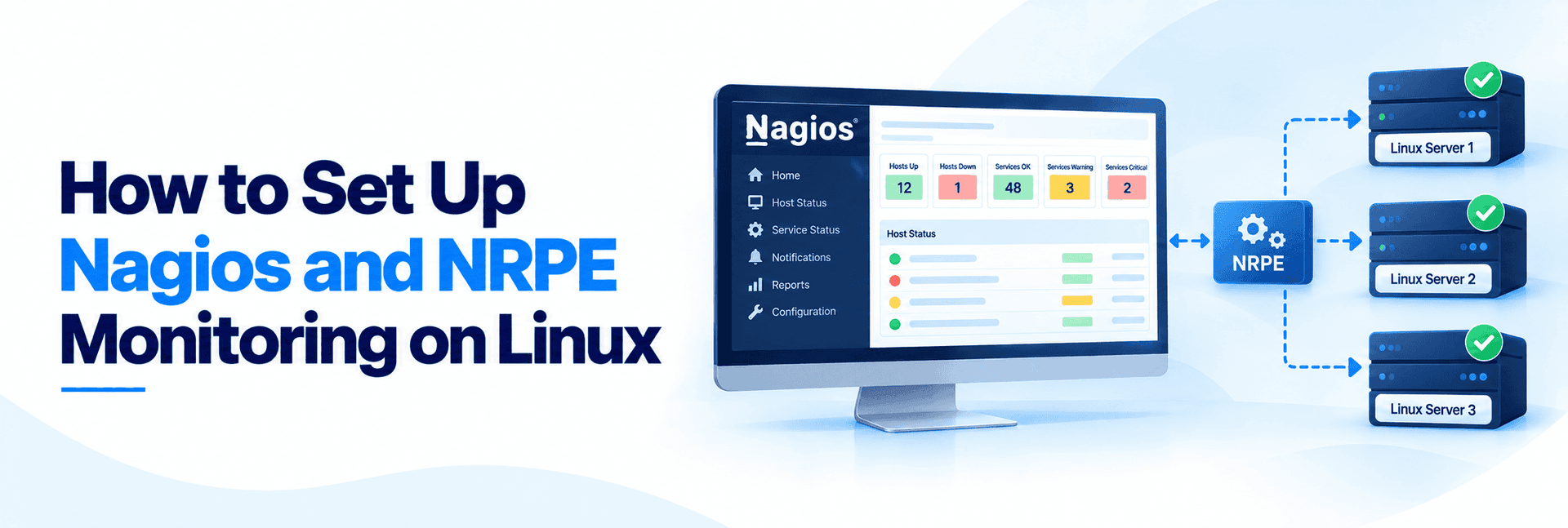
Nagios is a system,network and server monitoring application.It is a versatile and functional network management tool with a GUI (Graphical User Interface) comparable to other commercial tools. It watches hosts and services that you specify, alerting you when things go bad and when they get better. Nagios was originally designed to run under Linux, but now it also runs well on other Unix variants.
Nagios Installation Guides:
This blog is intended to provide you with simple instructions on how to install Nagios from source (code) in Fedora.
Prerequisites:
Before installing Nagios,you need to install the following packages:
Apache
GCC compiler
GD development libraries
You can use yum to install these packages by running the following commands (as root):
yum install httpd
yum install gcc
yum install glibc glibc-common
yum install gd gd-devel
1) Create Account Information
Create a new nagios user account.
/usr/sbin/useradd -m nagios
Create a new nagcmd group for allowing external commands to be submitted through the web interface. Add both the nagios user and the apache user to the group.
/usr/sbin/groupadd nagcmd
/usr/sbin/usermod -a -G nagcmd nagios
/usr/sbin/usermod -a -G nagcmd apache
2) Download Nagios:
Create a directory for storing the downloads.
mkdir ~/ssages
cd ~/ssages
wget http://osdn.dl.sourceforge.net/sourceforge/nagios/nagios-3.0.6.tar.gz
3) Compile and Install Nagios
Extract the Nagios source code tarball.
tar xzf nagios-3.0.6.tar.gz
cd nagios-3.0.6
./configure –with-command-group=nagcmd
make install
make install-init
make install-config
make install-commandmode
nagios-3.0.6
4) Configure the Web Interface
Install the Nagios web config file in the Apache conf.d directory.
make install-webconf
Create a nagiosadmin account for logging into the Nagios web interface.
htpasswd -c /usr/local/nagios/etc/htpasswd.users nagiosadmin
Edit the file /usr/local/apache/conf/includes/pre_virtualhost_global.conf and append the following lines to the virtual host directories.
AuthName “Nagios”
AuthType Basic
AuthUserFile /usr/local/nagios/etc/htpasswd.users
Require valid-user
Restart Apache to make the new settings take effect.
service httpd restart
5) Compile and Install the Nagios Plugins
wget http://osdn.dl.sourceforge.net/sourceforge/nagiosplug/nagios-plugins-1.4.11.tar.gz
cd ~/ssages
tar xzf nagios-plugins-1.4.11.tar.gz
cd nagios-plugins-1.4.11
Compile and install the plugins.
./configure –with-nagios-user=nagios –with-nagios-group=nagios
make
make install
6) Start Nagios
Add Nagios to the list of system services and have it automatically start when the system boots.
chkconfig –add nagios
chkconfig nagios on
Verify the sample Nagios configuration files.
/usr/local/nagios/bin/nagios -v /usr/local/nagios/etc/nagios.cfg
If there are no errors, start Nagios.
service nagios start
you can check the Nagios in your browser typing the following url:
http://localhost/nagios
You should now be able to access the Nagios web interface at the URL below. You’ll be prompted for the username (nagiosadmin) and password you specified earlier.
NRPE Installation and Configuration
The NRPE addon is designed to allow you to execute Nagios plugins on remote Linux/Unix machines. The main reason for doing this is to allow Nagios to monitor “local” resources (like CPU load, memory usage, etc.) on remote machines. Since these public resources are not usually exposed to external machines, an agent like NRPE must be installed on the remote Linux/Unix machines.
The NRPE addon consists of two pieces:
The check_nrpe plugin, which resides on the local monitoring machine.
The NRPE daemon, which runs on the remote Linux/Unix machine.
When Nagios needs to monitor a resource of service from a remote Linux/Unix machine:
Nagios will execute the check_nrpe plugin and tell it what service needs to bechecked.
The check_nrpe plugin contacts the NRPE daemon on the remote host over an (optionally) SSL-protected connection.
The NRPE daemon runs the appropriate Nagios plugin to check the service or resource.
The results from the service check are passed from the NRPE daemon back to thecheck_nrpe plugin, which then returns the check results to the Nagios process.
INSTALLATION
Remote Host Setup:
Create a new nagios user account.
/usr/sbin/useradd nagios
Create a directory for storing the downloads.
mkdir ~/ssages
cd ~/ssageswget http://osdn.dl.sourceforge.net/sourceforge/nagiosplug/nagios-plugins-1.4.11.tar.gz
Extract the Nagios plugins source code tarball.
tar xzf nagios-plugins-1.4.11.tar.gz
cd nagios-plugins-1.4.11
Compile and install the plugins.
./configure
make
make install
The permissions on the plugin directory and the plugins will need to be fixed at this point, for this run the following commands.
chown nagios.nagios /usr/local/nagios
chown -R nagios.nagios /usr/local/nagios/libexec
Install the NRPE daemon:
cd ~/ssages
wget http://osdn.dl.sourceforge.net/sourceforge/nagios/nrpe-2.8.tar.gztar xzf nrpe-2.8.tar.gz
cd nrpe-2.8
Compile the NRPE addon.
./configure
make all
Install the NRPE plugin (for testing), daemon, and sample daemon config file.
make install-plugin
make install-daemon
make install-daemon-config
Add the following entry for the NRPE daemon to the /etc/services file.
nrpe 5666/tcp# NRPE
Next we add an init script for nrpe. For this,
cd nrp-2.12/
cp ./src/nrpe /usr/sbin/
cp ./sample-config/nrpe.cfg /etc /
cat init-script.in > /etc/init.d/nrpe
mod a+x /etc/init.d/nrpe
open the /etc/init.d/nrpe and edit
NrpeBin=/usr/sbin/nrpe
NrpeCfg=/usr/local/nagios/etc/nrpe.conf
Then restart nrpe services
/etc/init.d/nrpe restart
Then edit the nrpe configuration file and allow the monitoring hoast ipaddress.
allowed_hosts=ipaddress of monitoring host
Next to open nrpe port in the firewall.
vi /etc/apf/conf.apf
edit the follwing section and add the port number 5666
IG_tcp_cports=”5666,20………..etc”
Restart the services
/etc/init.d/apf restart
Make sure the nrpe daemon is running under xinetd.
netstat -at | grep nrpe
The output out this command should show something like this:
tcp 0 0 *:nrpe *:* LISTEN
Monitoring Host Setup
For monitoring remote host, you need to install nrpe plugin to the monitoring host. For this,
cd ~/ssages
wget http://osdn.dl.sourceforge.net/sourceforge/nagios/nrpe-2.8.tar.gztar xzf nrpe-2.8.tar.gz
cd nrpe-2.8/
Compile the NRPE addon.
./configure
make all
Install the NRPE plugin.
make install-plugin
Create a command definition
vi /usr/local/nagios/etc/commands.cfg
and add the following definition to the file:
define command{
command_name check_nrpe
command_line $USER1$/check_nrpe -H $HOSTADDRESS$ -c $ARG1$
}
You can insert each remote system services in one file. For that you have to edit the configuration file
vi /usr/local/nagios/etc/nagios.cfg
and append the following line.
cfg_file=/usr/local/nagios/etc/objects/remotehost.cfg
Create host and service definitions
First create a new template for each different type of host you’ll be monitoring. Let’s create a new template for linux boxes.
edit /usr/local/nagios/etc/objects/templates.cfg and add the following lines,
define host{
name linux-box ; Name of this template
use generic-host ; Inherit default values
check_period 24×7
check_interval 5
retry_interval 1
max_check_attempts 10
check_command check-host-alive
notification_period 24×7
notification_interval 30
notification_options d,r
contact_groups admins
register 0 ; DONT REGISTER THIS – ITS A TEMPLATE
}
Notice that the linux-box template definition is inheriting default values from the generic-host template, which is defined in the localhost.cfg file.
Next, define a new host for the remote Linux/Unix box that references the newly created linux-box host template.
For this edit /usr/local/nagios/etc/objects/remotehost.cfg
define host{
use linux-box ; Inherit default values from a template
host_name remotehost ; The name we’re giving to this server
address 192.168.0.1 ; IP address of the server
check_command check-host-alive
}
Then define contact name and contact goup name in same file
define contact{
contact_name clientcontact
host_name remote_host
use generic-contact
alias Nagios client
email [email protected]
}
define contactgroup{
contactgroup_name groupname
host_name remote_host
alias Nagios group
members clientcontact,membersof remote_host
}
Now define some services to monitor the remote Linux/Unix box. These service definitions will use the commands that have been defined in the nrpe.cfg file in the remote host.
The following service will monitor the CPU load in the remote host. The “check_load” argument that is passed to the check_nrpe command definition tells the NRPE daemon to run the “check_load” command as defined in the nrpe.cfg file.
define service{
use generic-service
host_name remotehost
service_description CPU Load
check_command check_nrpe!check_load
}
The following service will monitor the the number of currently logged-in users in the remote host.
define service{
use generic-service
host_name remotehost
service_description Current Users
check_command check_nrpe!check_users
}
The following service will monitor the free drive space on /dev/hda1 in the remote host.
define service{
use generic-service
host_name remotehost
service_description /dev/hda1 Free Space
check_command check_nrpe!check_hda1
}
The following service will monitor the total number of processes in the remote host.
define service{
use generic-service
host_name remotehost
service_description Total Processes
check_command check_nrpe!check_total_procs
}
The following service will monitor the number of zombie processes in the remote host.
define service{
use generic-service
host_name remotehost
service_description Zombie Processes
check_command check_nrpe!check_zombie_procs
}
The following service will monitor http status in the remote host.
define service{
use generic-service
host_name remote_host
service_description HyperVM
check_command check_nrpe!check_http
}
Restarting Nagios:
Verify your Nagios configuration files.
/usr/local/nagios/bin/nagios -v /usr/local/nagios/etc/nagios.cfg
If there are errors, fix them. If everything is fine, restart Nagios.
service nagios restart
Remote Host Configuration:
Edit the nrpe configuration file and add the folowing lines:
vi /usr/local/nagios/etc/nrpe.cfg
command[check_users]=/usr/local/nagios/libexec/check_users -w 5 -c 10
command[check_load]=/usr/local/nagios/libexec/check_load -w 15,10,5 -c 30,25,20
command[check_hda1]=/usr/local/nagios/libexec/check_disk -w 20% -c 10% -p /dev/hda1
command[check_zombie_procs]=/usr/local/nagios/libexec/check_procs -w 5 -c 10 -s Z
command[check_http]=/usr/local/nagios/libexec/check_http -H 127.0.0.1 -w 5 -c 10
Restart the nrpe:
/etc/init.d/nrpe restart



