


Every time someone visits your website, places an order, sends an email, or logs into a business application, a server is working quietly in the background to make it happen.
Keeping that server online is the easy part. Keeping it healthy, secure, and fast - that's the job that never really ends.
That ongoing work is called server management, and whether you run a single VPS or a fleet of dedicated servers, understanding what it actually involves will help you make better calls about infrastructure, security, and who should be responsible for it.
What Is Server Management, Exactly?
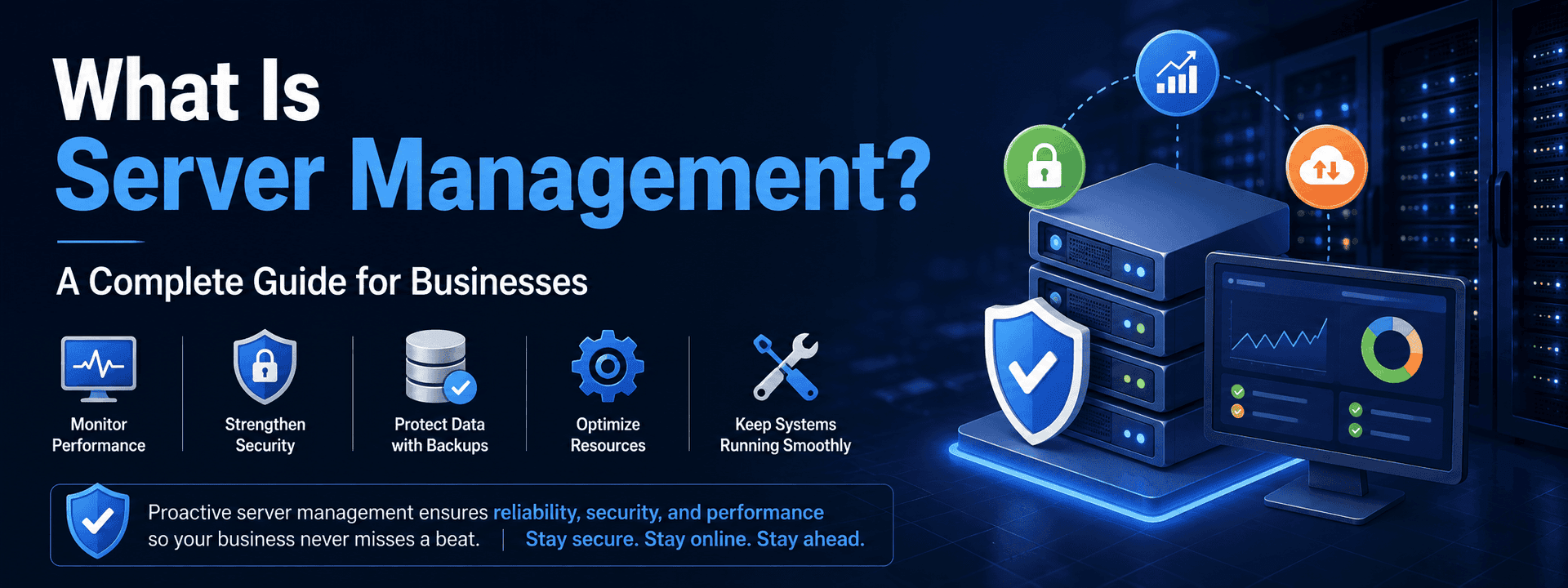
Server management is the ongoing process of maintaining, monitoring, securing, and optimizing a server and everything running on it.
Depending on your environment, that can mean operating system administration, security patching, performance tuning, backup oversight, web and database server administration, control panel upkeep, and troubleshooting - often all at once.
The exact mix changes based on your setup. Managing a cPanel server running CloudLinux and LiteSpeed looks very different from managing a custom Linux application server in AWS. But the underlying goal is the same: keep the infrastructure reliable enough that nobody downstream ever has to think about it.
Why Servers Need Constant Attention
Here's the uncomfortable truth about servers: they can look perfectly fine while trouble is quietly building underneath.
Disk usage creeps up a little every day. A database starts eating more resources than it used to. A software package picks up a known vulnerability. A backup job has been silently failing for two weeks and nobody's noticed.
None of that causes an outage today. But the longer it sits unaddressed, the more expensive it gets to fix - and the more likely it is to surface at the worst possible time. Server management exists to catch these things while they're still cheap problems, not after they've become emergencies.
The Core Areas Server Management Actually Covers
1. Operating System Administration
The OS is the foundation everything else runs on. This covers installing and configuring the system, applying updates, managing users and permissions, and keeping an eye on logs so small issues don't quietly compound. Whether you're on AlmaLinux, Rocky Linux, Ubuntu, Debian, or Windows Server, outdated packages are one of the fastest ways to accumulate security and compatibility risk.
2. Monitoring
You can't manage what you can't see. Good monitoring tracks CPU, memory, disk space and I/O, network traffic, server load, and service availability - and it's only useful when the alerts are tied to thresholds that actually matter. A server sitting at 90% disk usage hasn't failed yet, but that's exactly the moment you want someone looking at it, not the moment after it has.
3. Security and Hardening
Any server exposed to the internet is being scanned and probed constantly. Hardening covers patching, firewall configuration, closing off unnecessary ports and services, SSH access controls, strong authentication, and regular checks for vulnerabilities. It's not a one-time setup - new threats and new software releases mean this work never really stops.
4. Performance Optimization
"Online" and "running well" aren't the same thing. As traffic and data grow, so do bottlenecks - slow queries, memory pressure, disk I/O limits, inefficient web server or PHP configuration. Optimization means tracking these down (often across Apache, Nginx, LiteSpeed, MySQL, MariaDB, or PostgreSQL) and tuning the environment for the workload it's carrying, not the one it was set up for originally.
5. Backup and Disaster Recovery
Having a backup configured is not the same as knowing it'll work when you need it. A backup strategy worth trusting accounts for frequency, retention, storage capacity, and - critically - whether restores have actually been tested. Backups are what stand between your business and a bad day when something gets deleted, a drive fails, or an incident takes something down.
6. Web Server and Application Management
Most businesses lean on services like Apache, Nginx, LiteSpeed, PHP, or Node.js to actually serve their site or app. These pieces interact with each other constantly, so a change in one can quietly break another. Troubleshooting here means understanding the whole chain - including SSL/TLS and reverse proxy configuration - not just the piece that happens to be throwing an error.
7. Database Management
Databases are usually the most business-critical service on a server, and they're also the most misdiagnosed. A "slow website" is very often not a web server problem at all - it's a slow query, too many open connections, or a database that's outgrown its configuration. Proper database management means MySQL/MariaDB or PostgreSQL administration, resource checks, and performance investigation that goes past the surface symptom.
8. Control Panel Management
If you're running a hosting or reseller business, chances are you're managing everything through cPanel/WHM, Plesk, or DirectAdmin - often alongside tools like CloudLinux, Imunify360, and JetBackup. Each one adds its own layer of configuration and troubleshooting, and keeping them updated and running cleanly is its own discipline.

Server Management vs. Server Monitoring - They're Not the Same Thing
These two get used interchangeably, but they're not interchangeable at all.
Monitoring tells you what's happening. It's the alert that says disk usage just hit 90%.
Management is what happens next - figuring out why the disk is filling up, whether that growth is expected, cleaning up or relocating data, expanding storage if needed, and putting something in place so it doesn't happen again.
Put simply: monitoring finds the problem. Management is what actually fixes it. That distinction matters a lot when you're comparing a monitoring tool against an actual support service.
In-House vs. Outsourced: Who Should Own This?
Keeping it in-house gives you direct control and a team that knows your environment inside and out. The trade-off is real too - hiring and training specialists is expensive, coverage outside business hours is hard to guarantee, and you're often relying on one or two people who can't be everywhere at once.
Outsourcing to a specialized provider buys you 24/7 coverage, experienced administrators who've already seen your exact problem before, proactive monitoring, and broader platform expertise than most internal teams can justify hiring for.
Neither is automatically the right answer - it comes down to how complex your infrastructure is, what expertise you already have, and how much uptime actually costs you if something goes wrong. Plenty of businesses land somewhere in between: an internal team handling day-to-day work, backed by a provider for coverage, escalation, and specialized support.
This is the model we run at SupportSages - 24/7 admin teams that plug into your existing setup on a per-hour, per-server, or per-admin basis, so you get senior coverage without carrying the full cost of an in-house team.
Who Actually Needs This
If you're running a customer-facing website, business-critical applications, or important databases - you need this, whether or not you've formalized it. It matters even more if you require 24/7 uptime, run multiple server technologies, or simply don't have the internal bandwidth to stay on top of it.
Hosting and reseller businesses feel this the most acutely. One neglected server there doesn't mean one outage - it can mean dozens or hundreds of customer sites going down at once, which is exactly why so many hosting companies bring in a white-label support team behind the scenes rather than trying to staff L1-L3 server admins around the clock themselves.
What Happens When It's Neglected
Poorly maintained infrastructure rarely fails all at once - it erodes.
Outdated software sits unpatched until it becomes a security exposure. Disk usage climbs quietly until a service fails outright. An unoptimized database gets slower and slower until customers notice before you do. Services go unmonitored until a problem is discovered the hard way. Backups fail silently until you actually need one and it isn't there.
None of these are dramatic on their own. Together, they're exactly how "we'll deal with it later" turns into an outage nobody saw coming.
How to Choose a Server Management Provider
If you're bringing in outside help, price shouldn't be the deciding factor. Look at:
- Technical expertise - do they actually know your OS, control panel, database, and application stack?
- Monitoring and response - is anyone actually watching, and how fast do they respond when something fires?
- Security practices - how are credentials handled, and how are access and changes controlled?
- Escalation - what happens when an issue needs deeper expertise than the first responder has?
- Availability - can they cover you outside normal business hours if you need that?
- Scalability - can they keep up as your infrastructure grows?
- Reporting - will you actually hear about incidents, maintenance, and recurring issues, or just find out when something breaks?
A good provider should slot into how you already work - not add another layer you have to manage on top of your servers.
The Bottom Line
Server management is the unglamorous, ongoing work that keeps your infrastructure secure, stable, and ready for whatever your business throws at it. It's security updates and monitoring and performance tuning and backups and database work, done consistently - not just a fix when something breaks.
For any business that depends on its infrastructure, that's not optional. It's what stands between you and downtime your customers actually notice.
The real question isn't "who can manage my server?" It's "does our current setup give us the coverage, expertise, and peace of mind we actually need?"
If the honest answer is no, that's worth a conversation. At SupportSages, our TechOps team handles server hardening, monitoring, backups, migrations, and cPanel/Plesk/DirectAdmin management around the clock - with flexible per-hour, per-server, or per-admin plans built for hosting providers, agencies, and growing businesses alike. Talk to our team about a free infrastructure review, and we'll tell you plainly where the gaps are and what fixing them would take.