


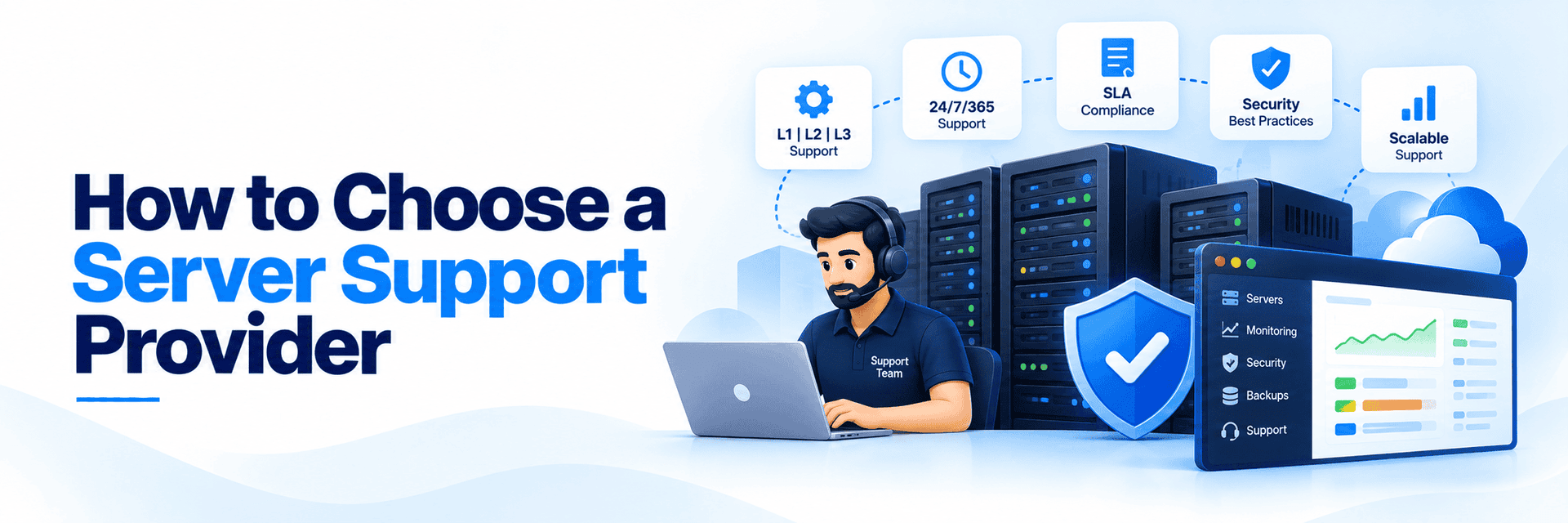
Choosing a server support provider is not simply about finding someone who can restart a service when it goes down.
Your support provider may have access to production servers, customer environments, sensitive information, and critical infrastructure. The wrong provider can create more operational work. The right provider should become an extension of your technical team.
So before signing a support agreement, what should you actually look for?
1. Check Their Technical Expertise
Start with the technologies you actually use.
If you operate a hosting business, does the provider have experience with:
- Linux servers
- cPanel/WHM
- Plesk
- DirectAdmin
- CloudLinux
- LiteSpeed
- Apache and Nginx
- MySQL and MariaDB
- DNS and mail services
- AWS, Azure, or Google Cloud
A provider may advertise "server support," but that does not necessarily mean they have experience with your infrastructure.
Ask for examples of the environments they regularly support.
2. Look for L1, L2 and L3 Support
A competent support team needs a clear technical hierarchy. Without a proper escalation structure, difficult tickets get stuck at the first level while your customers wait.
- L1 (Level 1): Handles common technical requests, basic troubleshooting, and initial triage.
- L2 (Level 2): Investigates complex server and application issues requiring deeper root access.
- L3 (Level 3): Resolves advanced infrastructure problems, performs server optimization, and conducts root-cause forensics.
3. Check 24/7 Availability
If your customers operate globally, business-hours-only support will not suffice. However, "24/7/365 support" is an easy marketing claim to make. Ask exactly what it entails:
- Are certified engineers actively monitoring tickets at night?
- Are weekends and major holidays fully staffed?
- Is an L3 engineer available for critical server-down escalations at 3:00 AM?
4. Understand the SLA
Never choose a provider based solely on a vague promise of "fast support." You need guarantees backed by an SLA. When reviewing the SLA, check the specific metrics for:
- Initial response times
- Resolution time targets
- Priority and severity definitions (e.g., standard ticket vs. emergency outage)
- Service limitations and exclusions
A clear SLA gives both parties a shared, measurable expectation of performance.
5. Ask How They Handle Escalations
Complex infrastructure problems cannot always be solved at the first level. What happens when L1 cannot resolve the issue?
There should be a documented escalation process that moves the ticket to the appropriate technical level without unnecessary delays. This is especially important for production incidents where every minute can matter.

6. Prioritize Security and Access Practices
Because your server support provider will require privileged access to your infrastructure, security is paramount. Question their internal practices regarding:
- Strict access control and credential management
- Privileged access authentication (VPNs, 2FA/MFA)
- Change management policies
- Internal employee vetting, training, and incident handling
Look for industry certifications like ISO 27001, which demonstrate that the organization operates an information security management system against established international standards. Do not rely on certification alone, though - understand exactly how they handle access to your environment.
7. Ensure True White-Label Capabilities
If you are outsourcing customer-facing technical support, you likely do not want your clients to know a third party is involved.
Ask whether the provider offers true white-label server support. Under a white-label model, the outsourced team operates invisibly behind your brand. They use your helpdesk, follow your specific communication guidelines, and represent your company seamlessly.
8. Evaluate Communication
Technical expertise is only part of good support. Your provider should also communicate clearly. When an incident occurs, you should know:
- What happened
- What is being investigated
- What action has been taken
- Whether the issue is resolved
- Whether further action is required
For customer-facing hosting businesses, clear communication can be just as important as the technical fix.
9. Understand the Pricing Model
Support providers charge in various ways - per ticket, per server, per hour, or via dedicated teams. As we explored in our breakdown of outsourced web hosting support ROI and cost benefits, the cheapest sticker price does not always yield the highest value.
Compare pricing based on your actual support requirements. Ensure you understand what is included in the baseline cost. A low per-ticket rate may suddenly become expensive if L3 escalations or proactive monitoring are billed as premium add-ons.
10. Check Whether They Can Scale With You
Your server support requirements today will not be the same six months from now. You may add new servers, acquire more clients, expand into new regions, or introduce new technologies.
Ask whether the provider can easily scale alongside your business. A strong IT partnership should adapt to your growth seamlessly, preventing you from having to rebuild your support operation every time your infrastructure expands.
Why Choose SupportSages for Server Support?
At SupportSages, we provide outsourced server and hosting support specifically designed for businesses that need robust technical capacity. We aim to work as a strategic extension of your existing operations, rather than simply acting as another ticket-handling vendor.
- For Customer Support: Our Helpdesk Support models provide white-labeled L1, L2, and L3 technical expertise with true 24/7/365 coverage.
- For Infrastructure Management: We provide complete Server Management, covering proactive monitoring, security hardening, optimization, migrations, and ongoing administration.
Looking for a technical support partner for your hosting business? Talk to SupportSages today about building a custom, highly secure support model around your infrastructure and customers.